
Support center
Provide you with comprehensive product operation guidelines
Installer
Shelly Smart Plug Integration Guide
Shelly Smart Plug Usage Instructions:
Step 1 – Plug the Smart Plug into the socket to provide power.
- Applicable range: 250VAC, 50/60Hz; Maximum current: 10A.
Step 2 –Connect the socket to the network
- According to Shelly’s user manual, connect the socket to the network and make sure it is within the same local area network as the controller.
Step 3– Connect the Smart Plug to the app.
- For detailed configuration steps, refer to the document below.
Step 4 – Plug the electrical device into the Smart Plug to enable control.
- Control the device and monitor power consumption through the app.
Explanation
- Insert Smart Plug pins into socket
- According to Shelly’s user manual, connect the socket to the network and make sure it is within the same local area network as the controller.
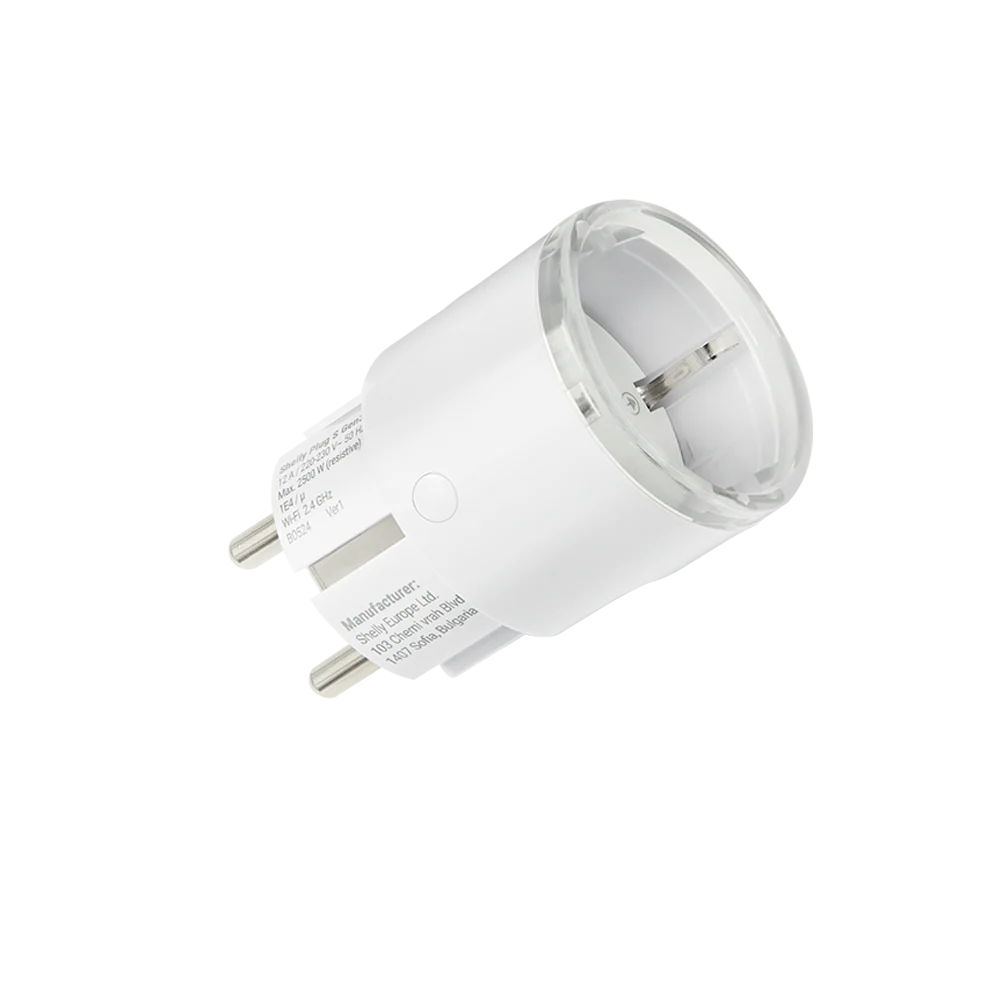
Smart Plug configuration process in the app:
Step 1
- Open the enjoyelec app, and on the homepage or Controller page, find “Add device.”
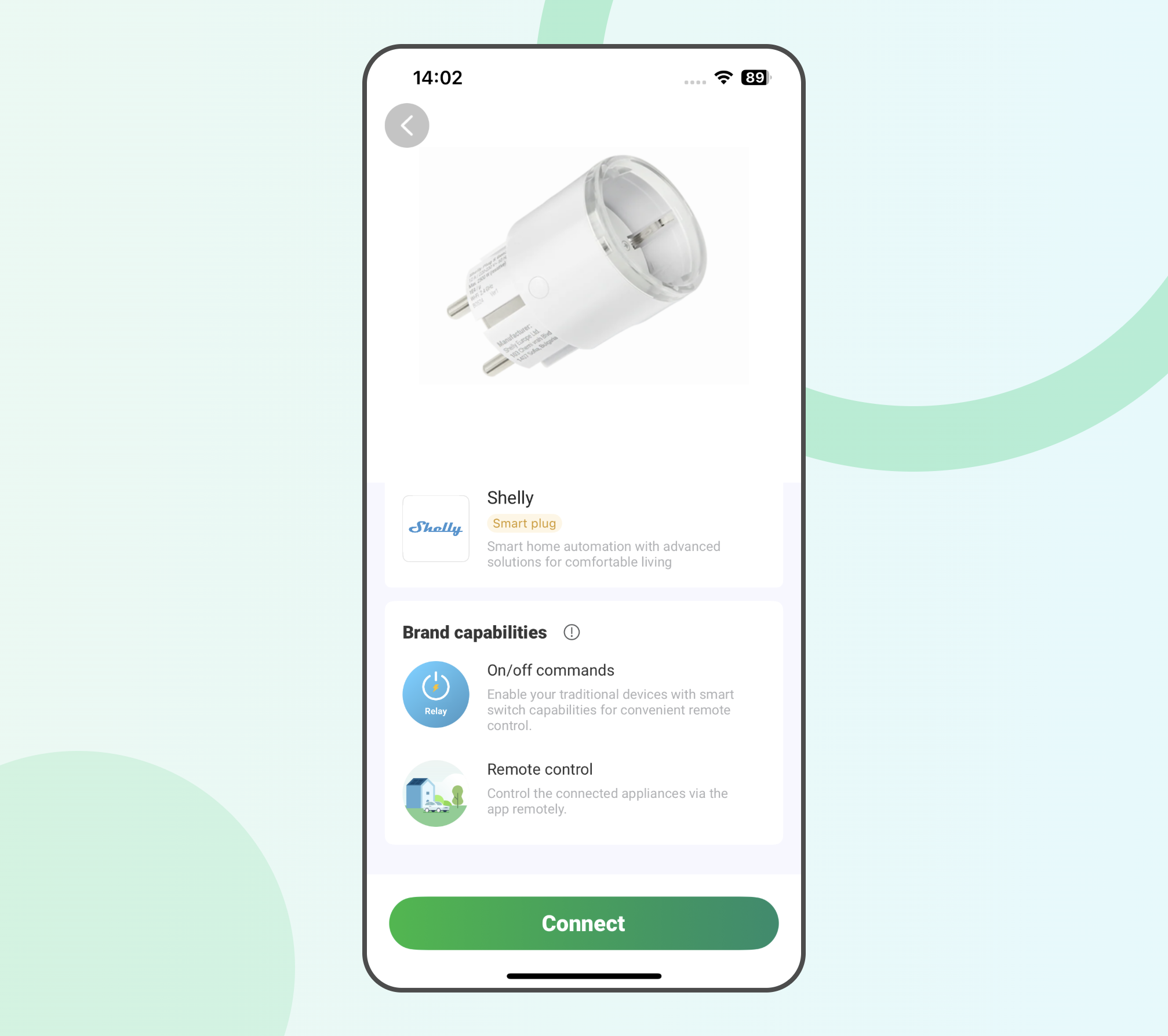
Step 2
- On the “Add device” page, select the relevant parameters for configuring the Smart Plug from the list.
- Type: Smart home.
Sub-type: Smart Plug.
Brand: Shelly
Model: PlugSG3
Connection: Shelly
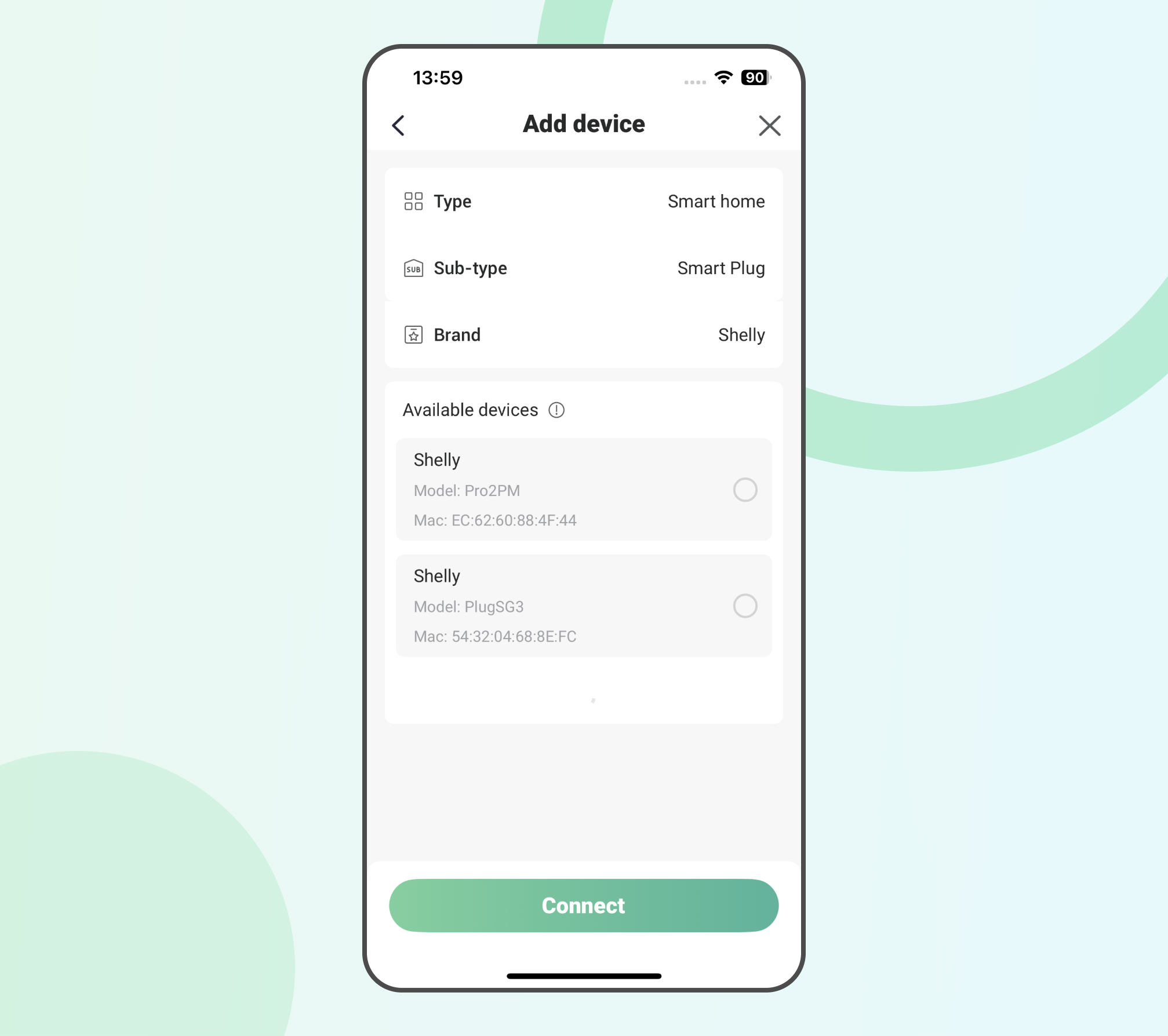
Step 3
- Click “Connect” to start connecting to devices within the same local area network.
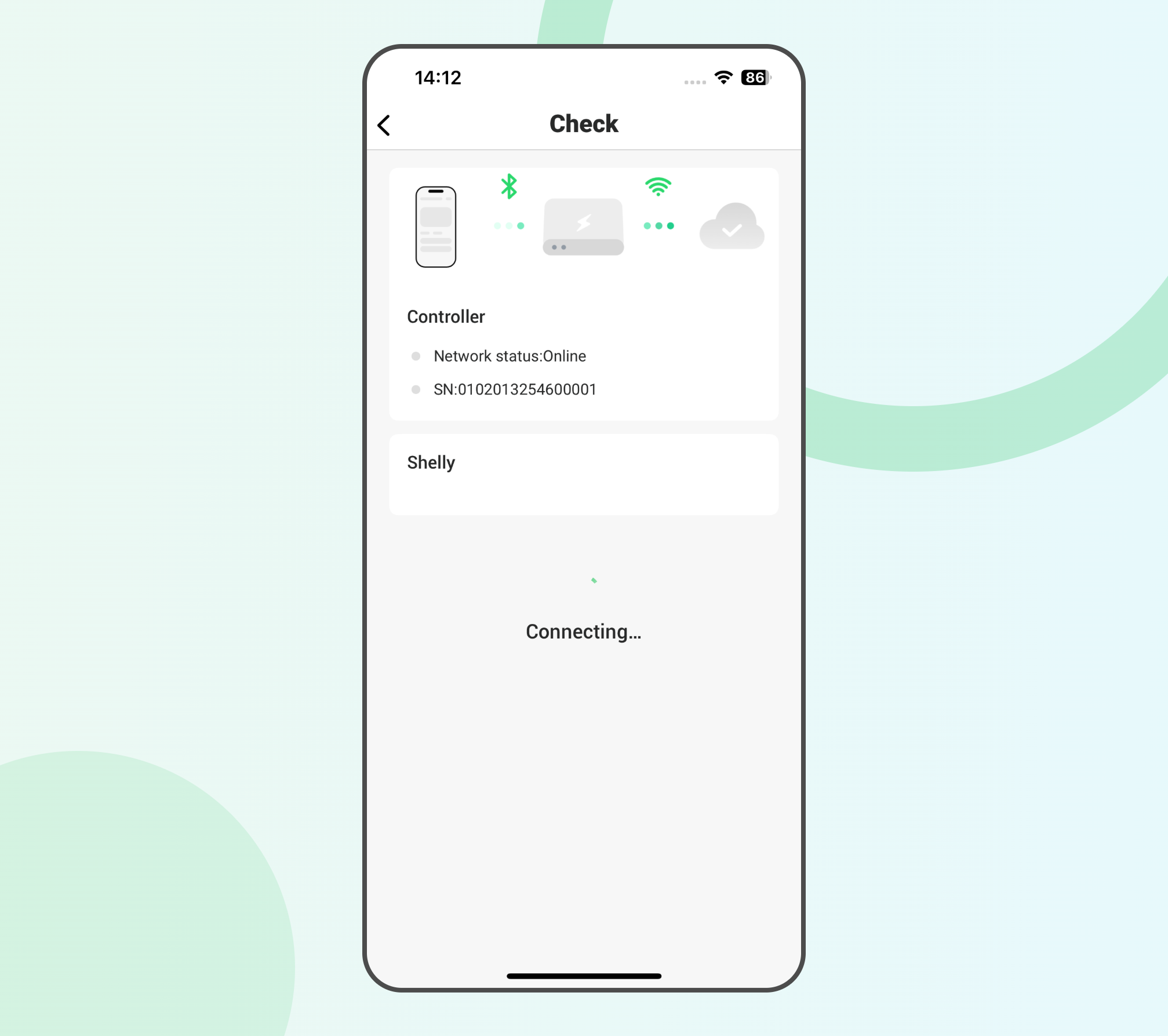
Step 4
- After successfully establishing the shelly connection, the device model of the Smart Plug will be displayed on the app.
- Click “Complete” to add the Smart Plug to the app.
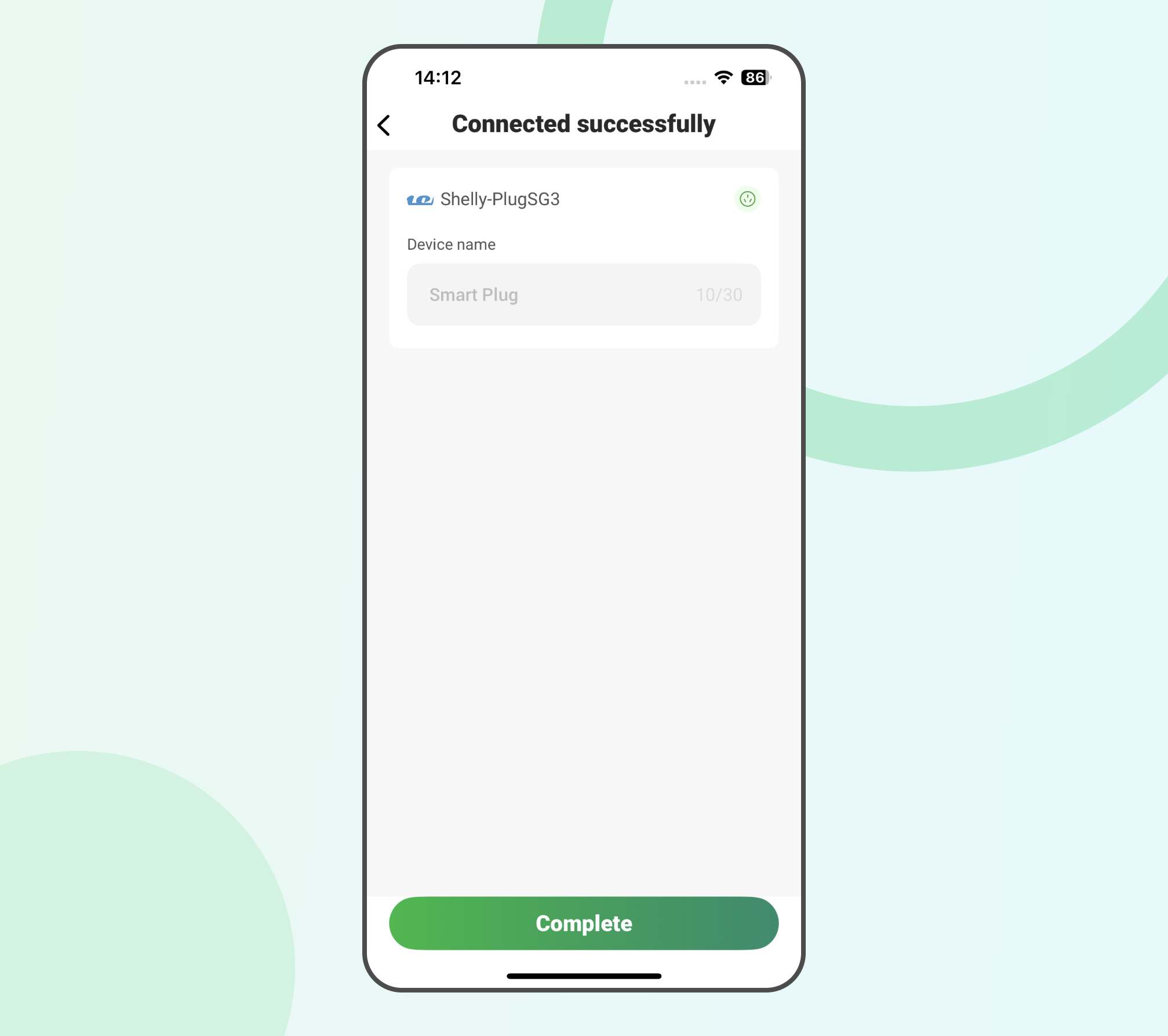
Step 5
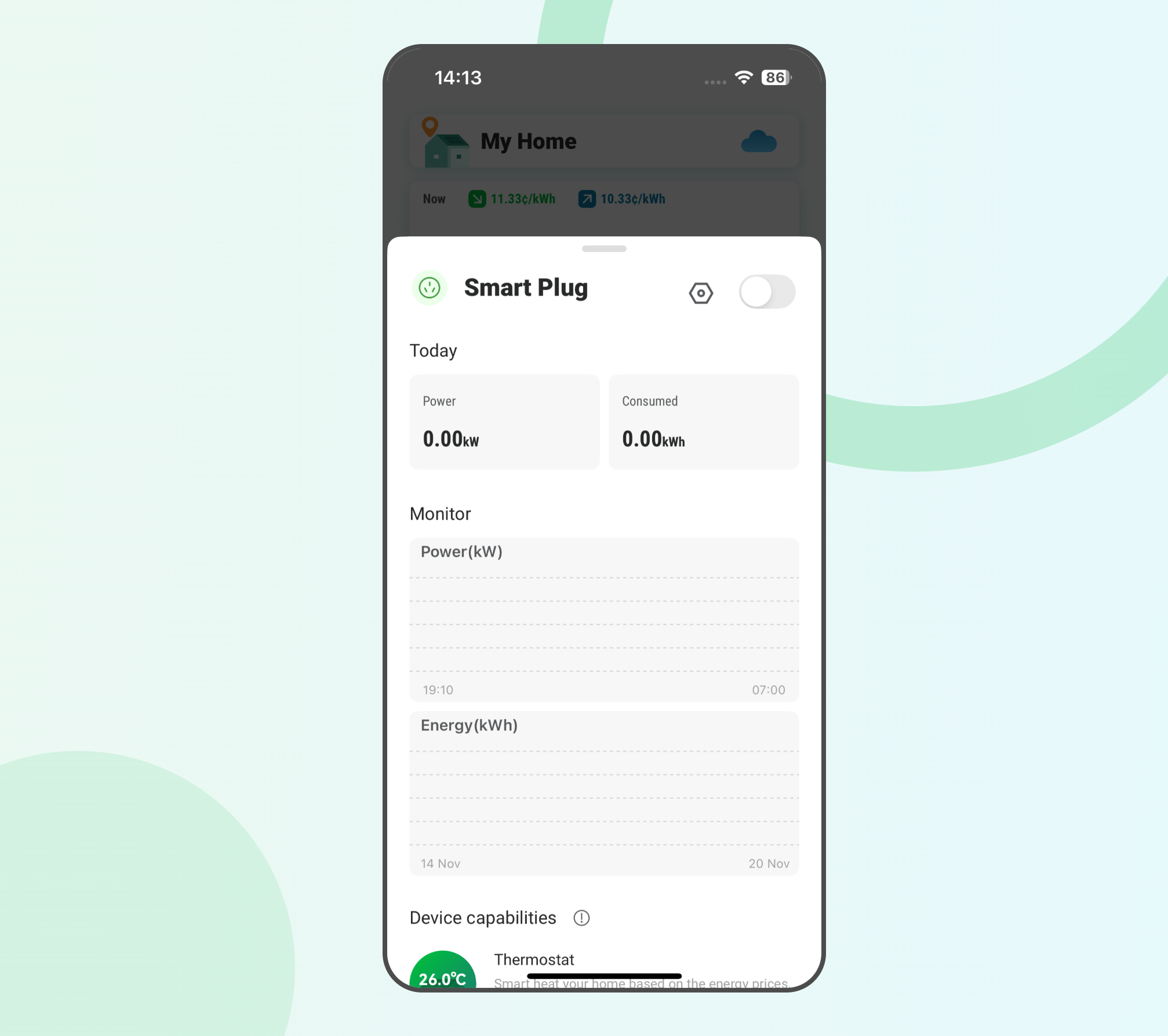
- You can enter the Smart Plug management page on the app to control the switch or check the power consumption.